How it works

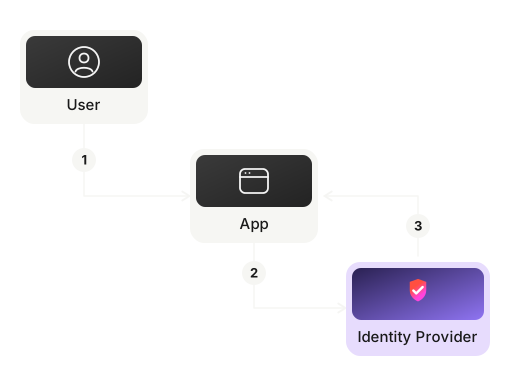
Every diagram is a sequence you can read, step through and inspect.
  1. Step 1

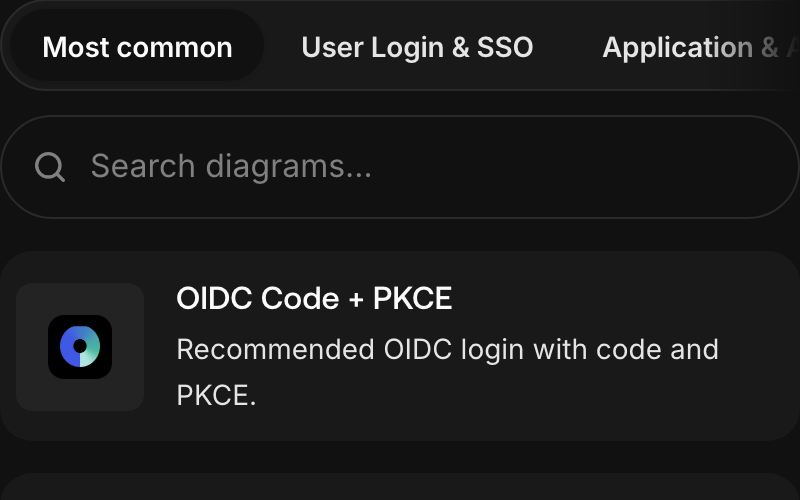
    Pick a flow

    Browse by category, or search by name or tag.
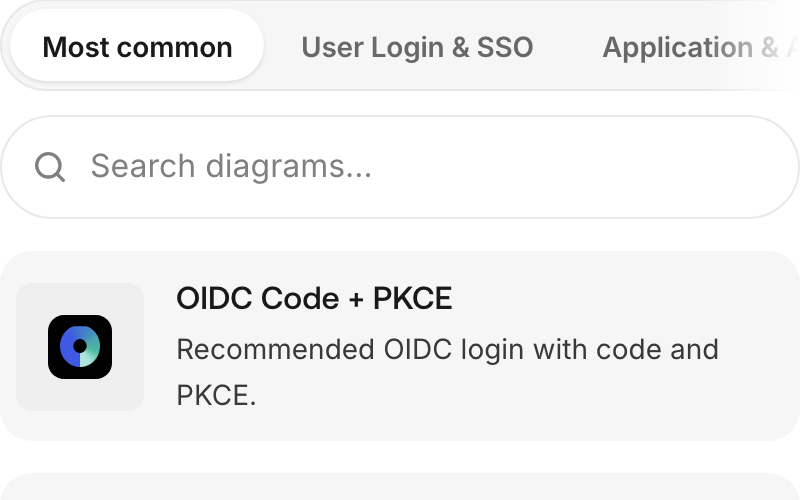
    The home page: category tabs, a search box and the first flows in the list. The home page: category tabs, a search box and the first flows in the list.
  2. Step 2

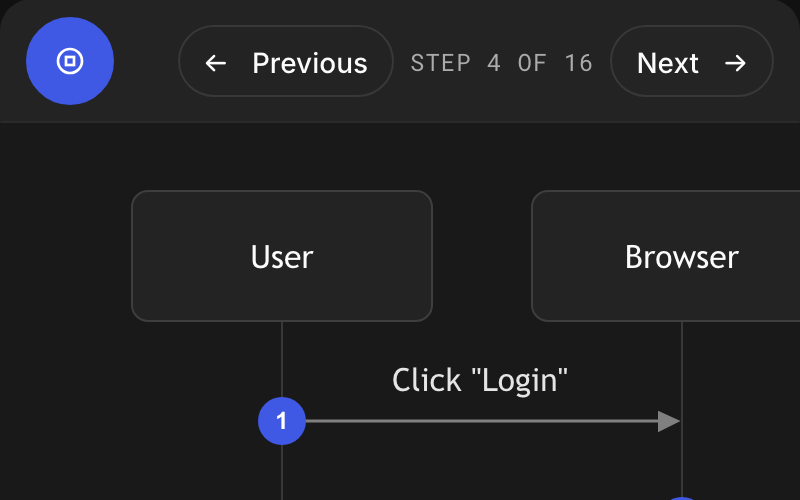
    Step through it

    Turn on Interactive Mode and advance one message at a time.
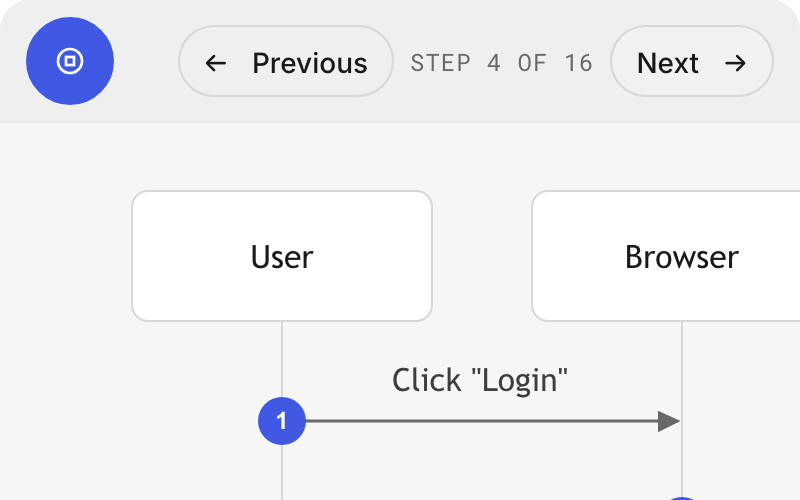
    A diagram in Interactive Mode, with the Previous and Next buttons and the counter reading step 4 of 16. A diagram in Interactive Mode, with the Previous and Next buttons and the counter reading step 4 of 16.
  3. Step 3

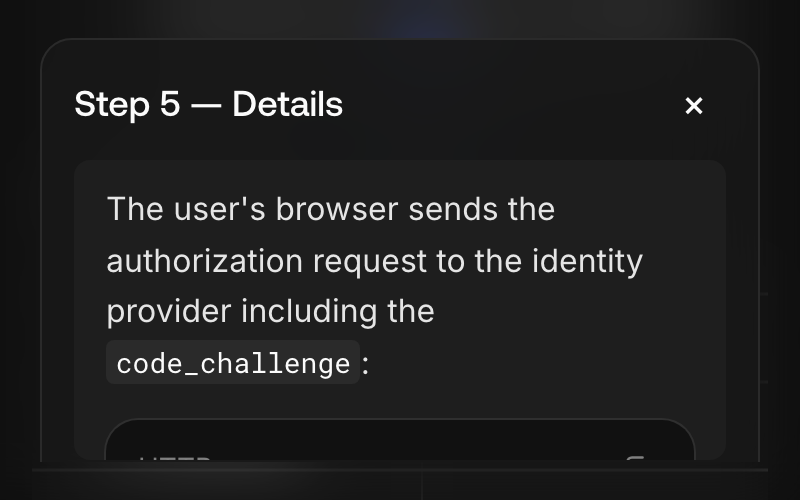
    Inspect each message

    Open any arrow to see the exact request, response or token.
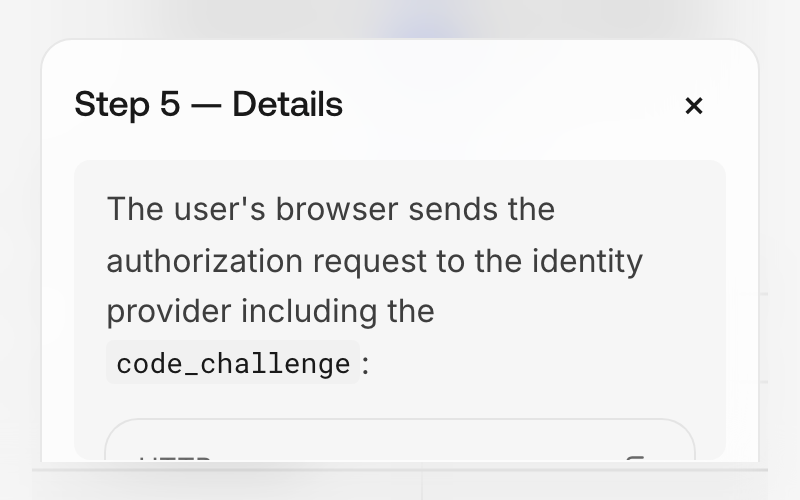
    The details dialog of step 5, which describes the authorization request and shows it as an HTTP request. The details dialog of step 5, which describes the authorization request and shows it as an HTTP request.